
macOS menu-bar app · runs offline
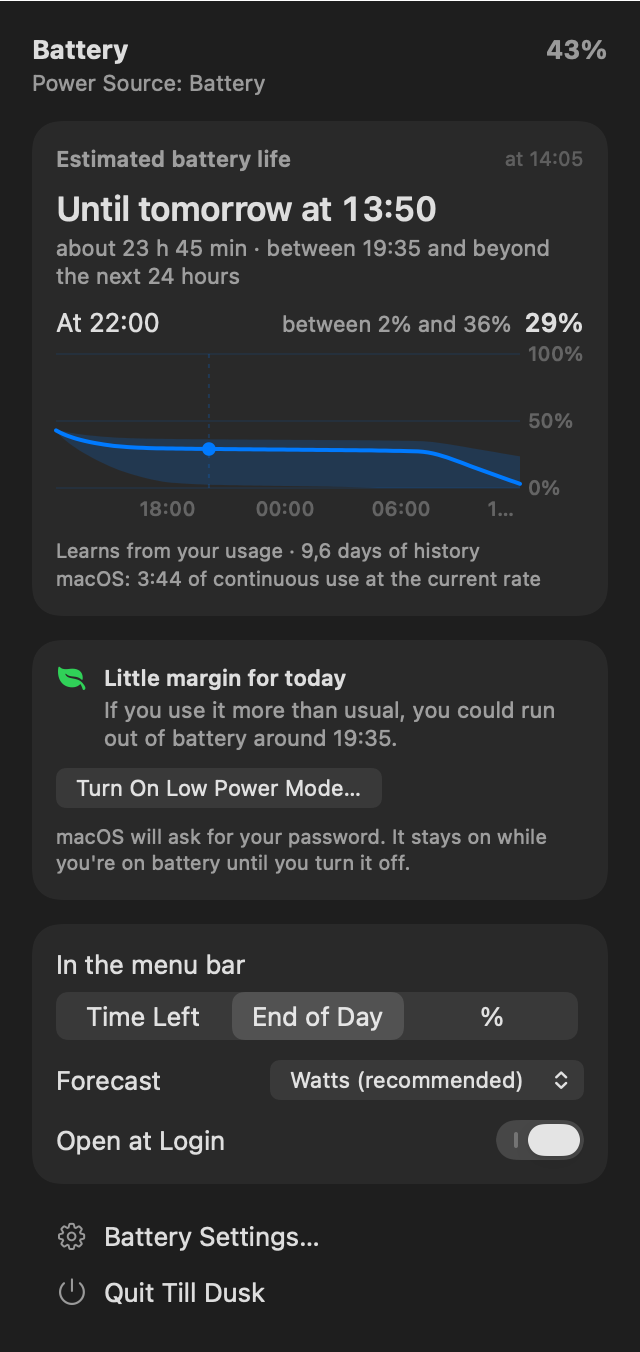
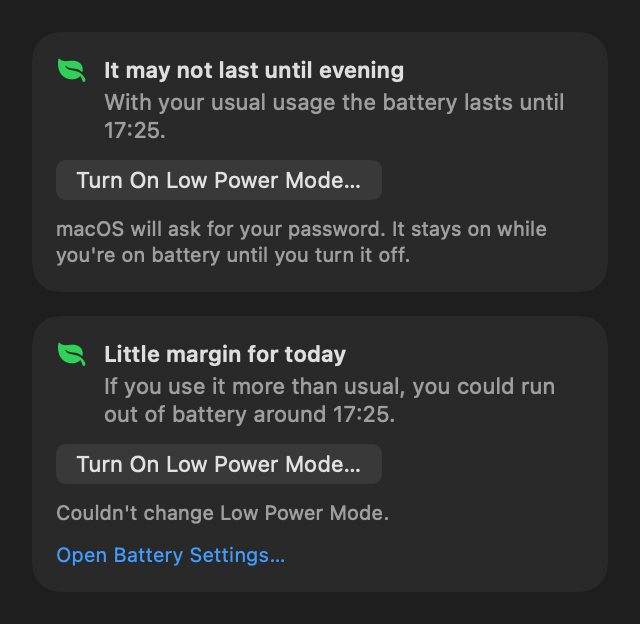
Till Dusk learns how you use your MacBook battery and forecasts how much charge you will have at the end of the day. If you are not going to make it, it offers to turn on Low Power Mode.
macOS 26 or later on an Apple silicon Mac (M1 or later). The download is a few hundred MB: Python, PyTorch and the model are inside, so it works without internet.
It reads your battery history from macOS and its own log, so the forecast is about how you use your Mac, not an average user.
A central estimate and a cautious one, as a band. Built on Timestral, Mistral AI’s time-series model, running on your Mac.
When the forecast runs out before evening, it proposes Low Power Mode. macOS asks for your password in its own dialog; the app never sees it.